Personal
Let a goat keep track of which bills you've paid
Every month I'd have the same nagging thought: did I pay that? Banking apps show what went out, not what's still due. So I built Billy, a tiny web app that answers one question really well, with a goat for a mascot.
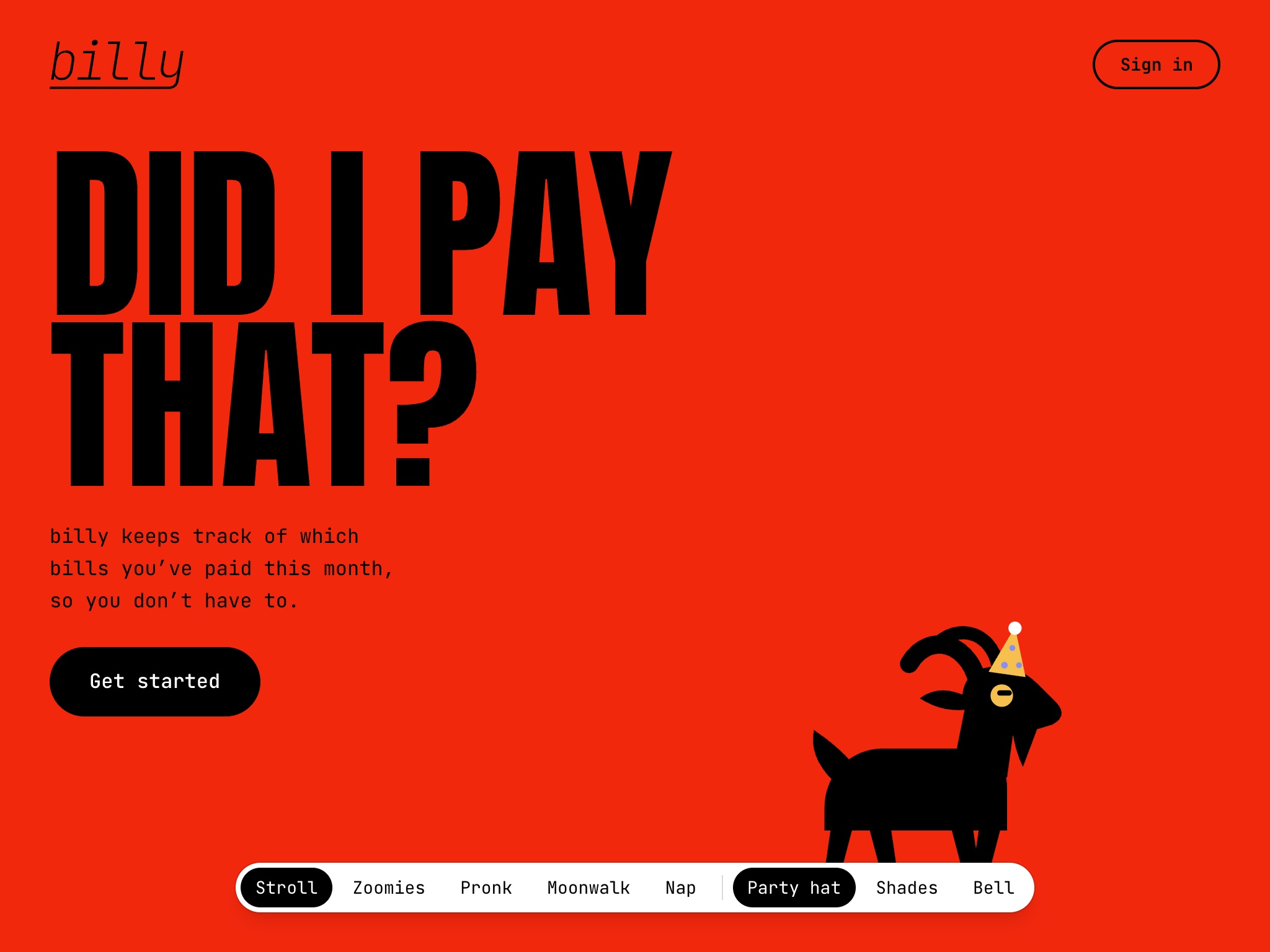
The landing page leans all the way in: one question, big type, loud red, and Billy wandering along the bottom.
Challenge
This was a personal itch I had to scratch. Between autopay, paper bills, and things I split with other people, I needed a single place that told me what had been paid each month.
Approach
I didn't want the overhead of a budgeting app and don't fully trust the bank connections. I had been adding recurring calender events and adding a special character to ones that had been paid... it was time for a more formal approach. What I needed should be simple... just a list of bills, the day they're due, and a way to mark them off.
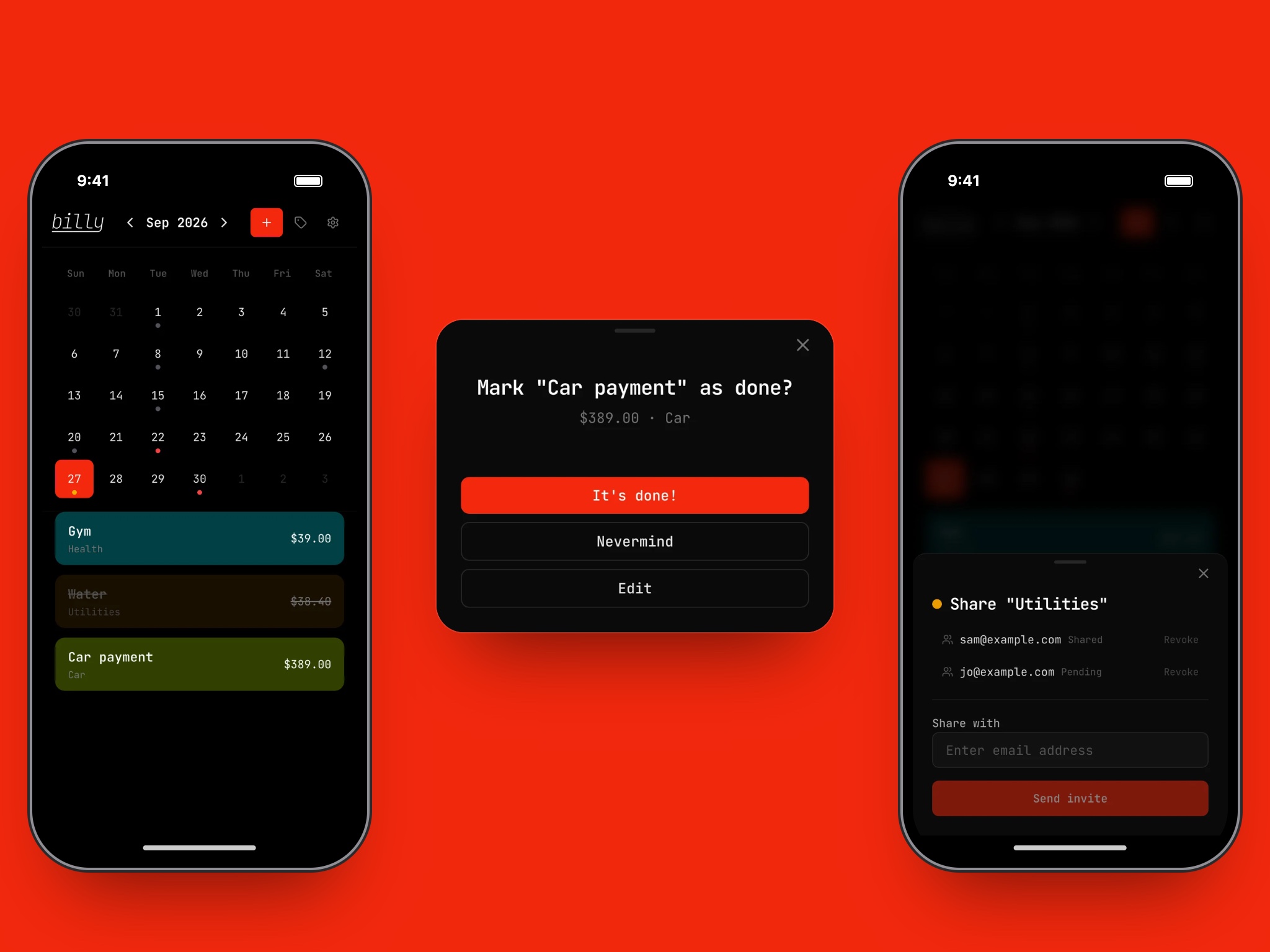
The whole app is basically three screens: the month, marking something done, and sharing.
See the month
The home screen is a calendar. Every bill shows up as a dot on its due date: red if it's still due, grey once it's paid. Tap a day and its bills stack up underneath, color-coded by category.
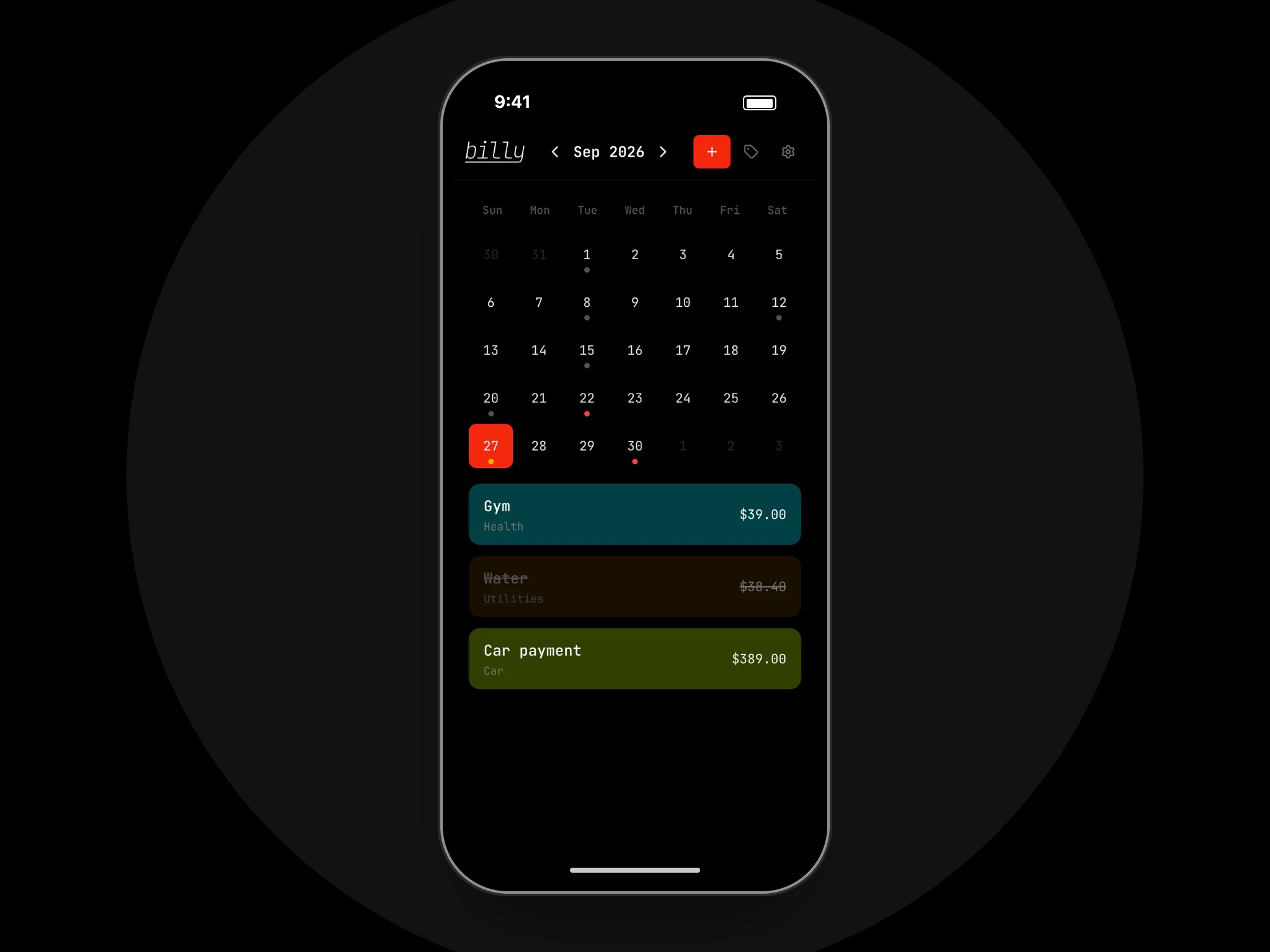
A glance at the dots tells you how the month is going.
Split the load
Some bills aren't just mine. Sharing works at the category level, so I can share "Utilities" with my wife and we both see the same bills and who's already paid them, without handing over everything else.
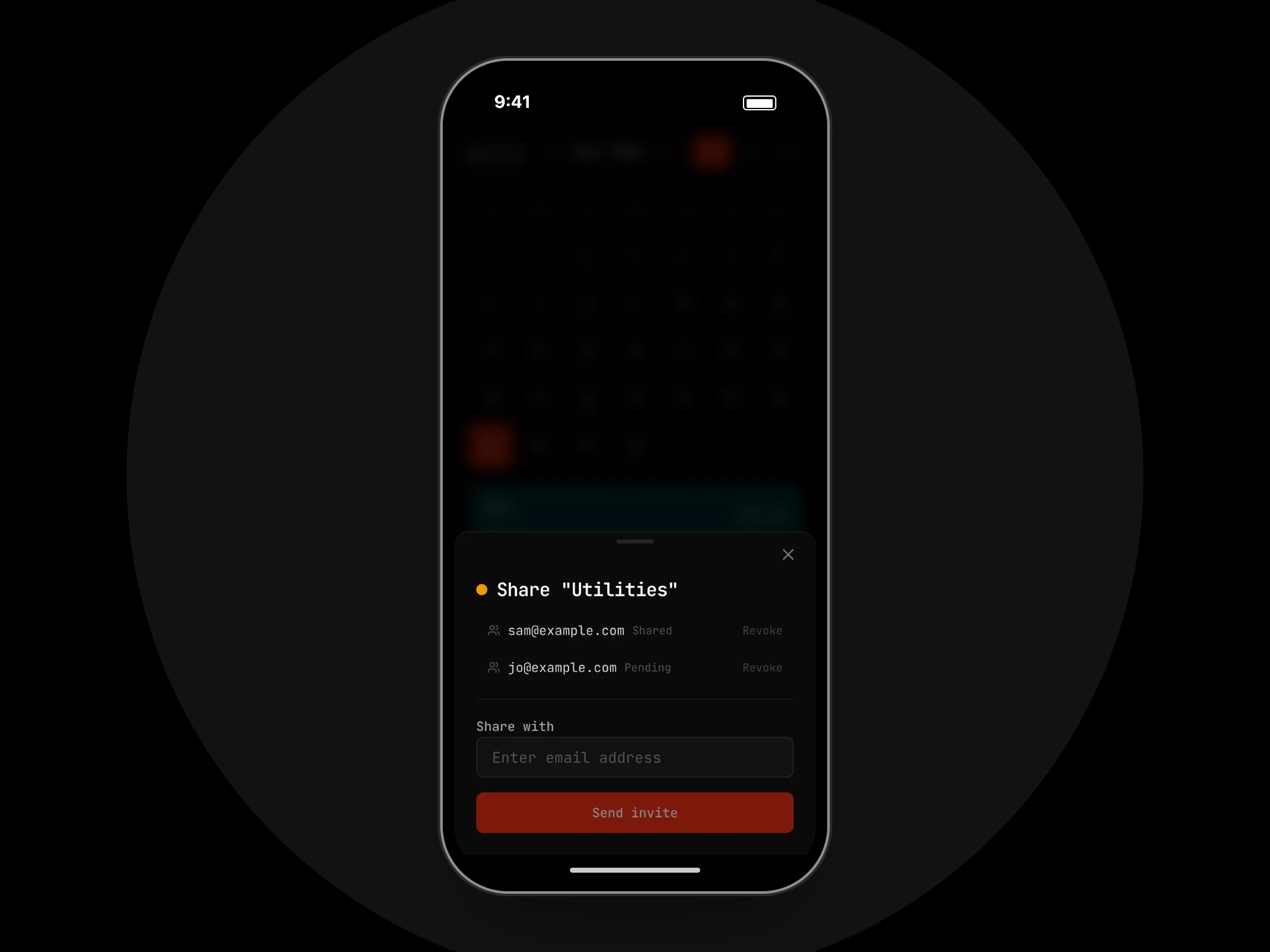
Invite someone by email to a single category.
Meet Billy
Paying bills is a chore, so I wanted at least one part of it to be fun. Billy walks around the landing page and lives inside the app, where he can do zoomies, pronk, moonwalk, or take a nap.
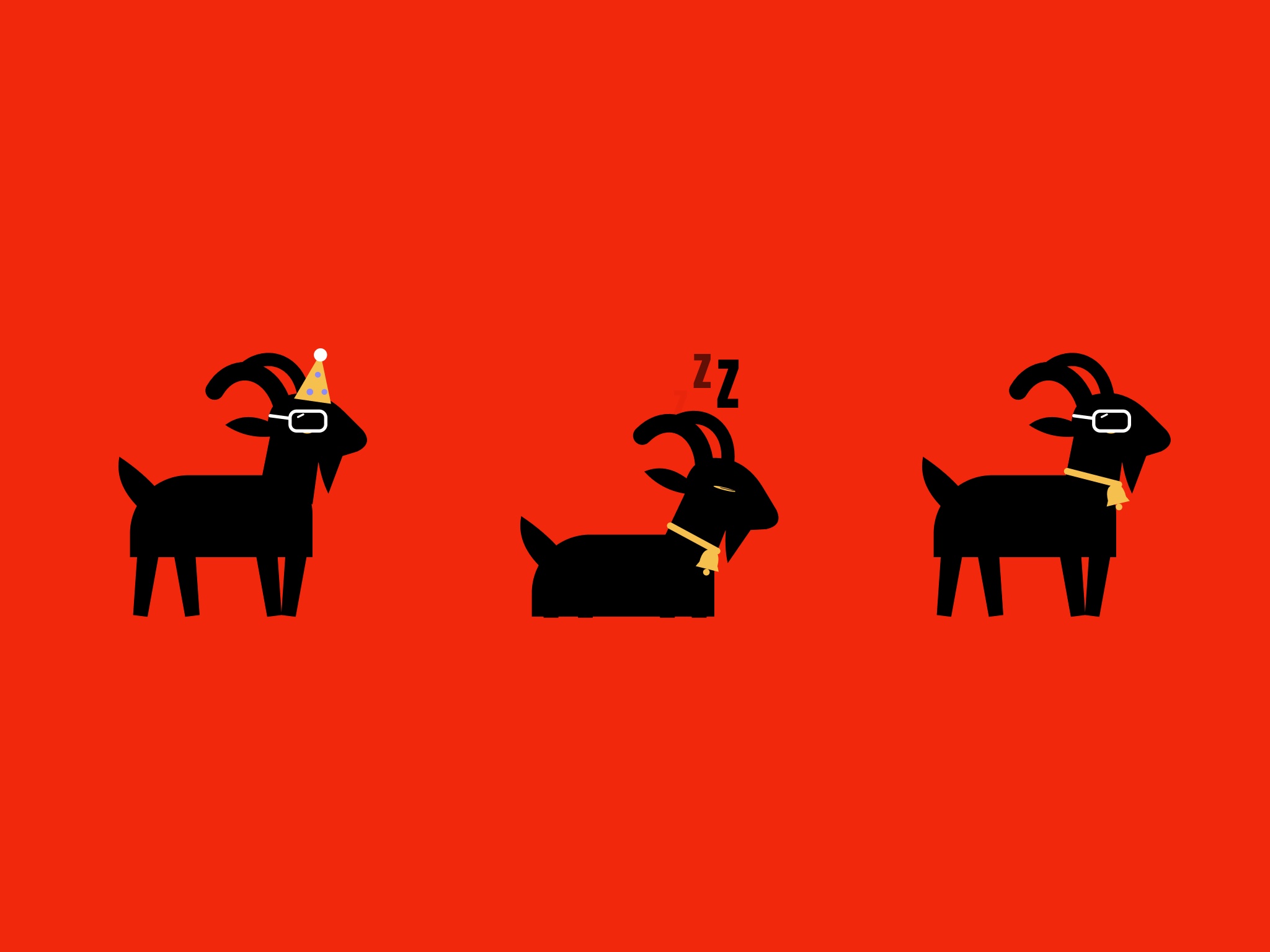
Party hat, bell, and shades. Billy takes his accessories seriously.
Desktop or mobile
I usually pay bills at my desk but check on them from my phone, so Billy needed to feel at home on both. On a big screen the calendar opens up into a full month grid with every bill right on its day. On a phone it collapses to a compact calendar with the day's bills listed below.
The Billy bar follows the same idea. On desktop there's room for it to float over the calendar with a little stage for Billy to wander around on. On mobile it tucks away into Billy's eye in the corner, one tap away when you need a break from your bills.
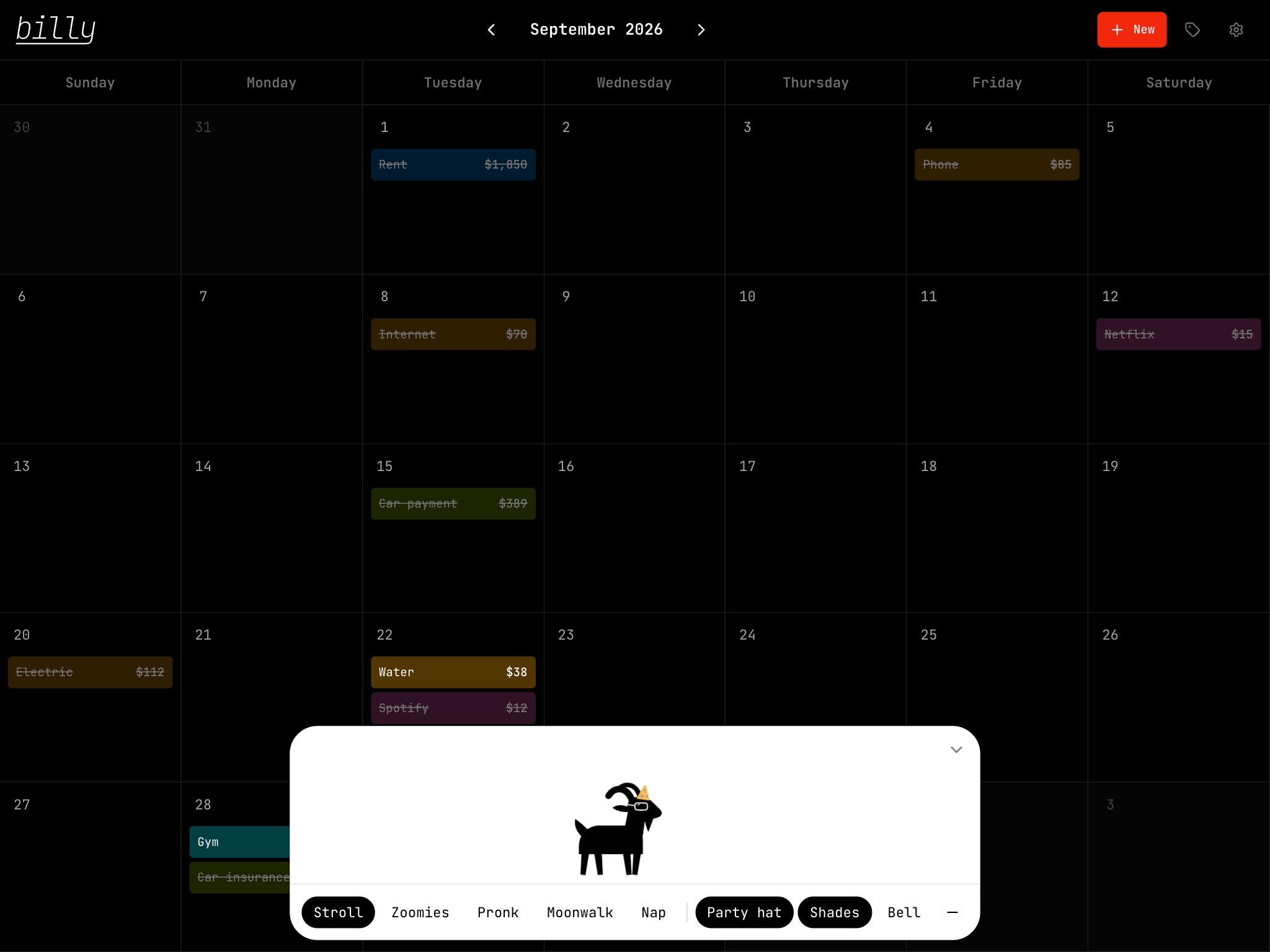
On desktop the whole month is laid out as a grid, with the Billy bar open along the bottom.
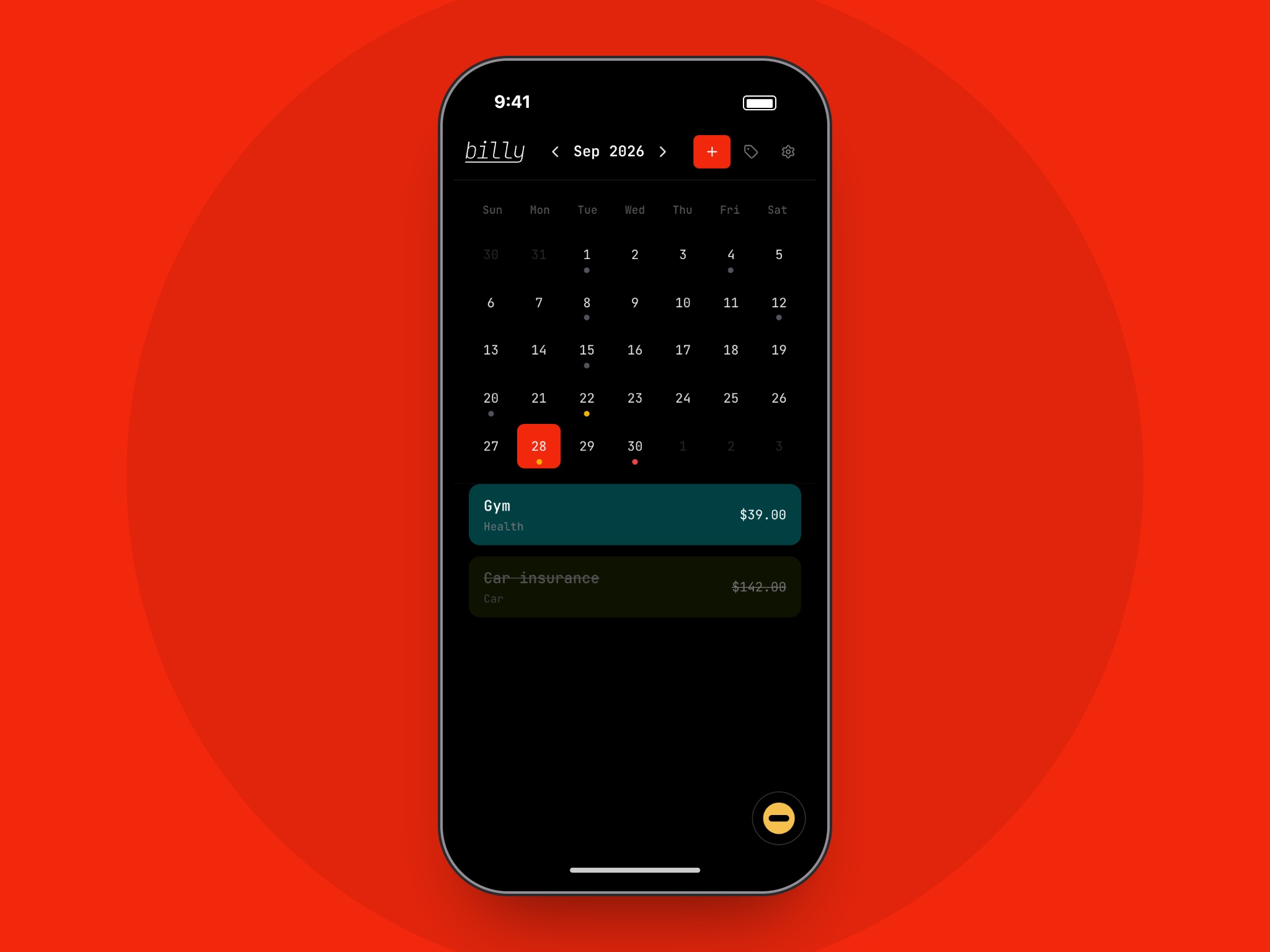
On mobile the Billy bar folds down into Billy's eye so the bills get the whole screen.
What's next
My wife and I use Billy every month to keep our shared bills straight. Next up is email invites for sharing, reminders when something's about to be due, and, inevitably, more hats for Billy.